



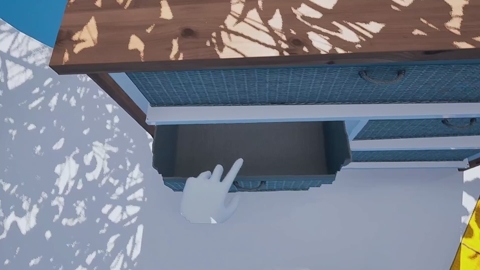
Organise your apps and files in your own 3D world

Organise your apps and files in your own 3D world

Organise your apps and files in your own 3D world
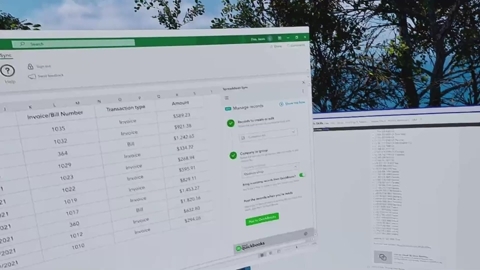
Create your perfect working environment

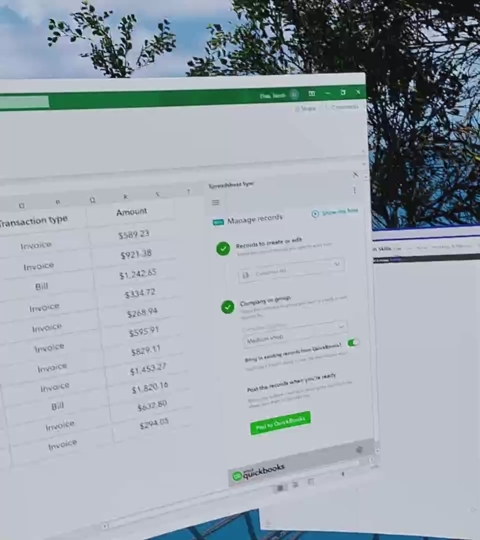
Create your perfect working environment

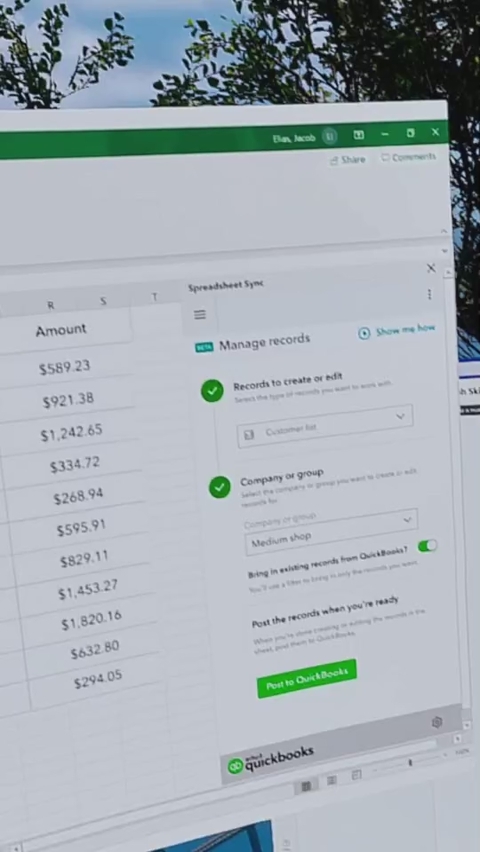
Create your perfect working environment
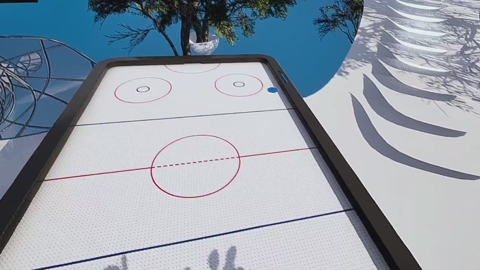
Decorate your space and feel at home

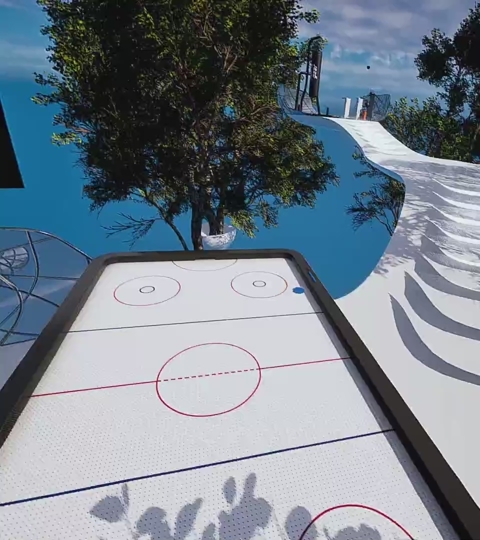
Decorate your space and feel at home

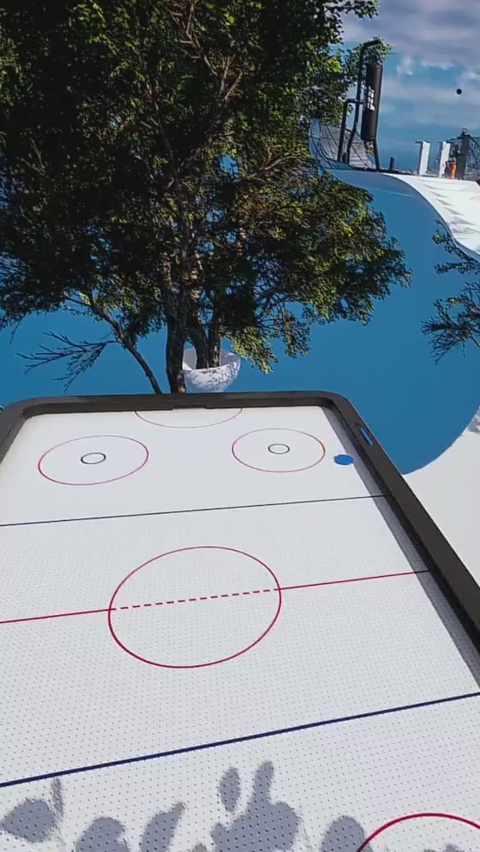
Decorate your space and feel at home


Part 8

Dance to the Beat of Your Own Drum
We all wish our homes were smarter sometimes.
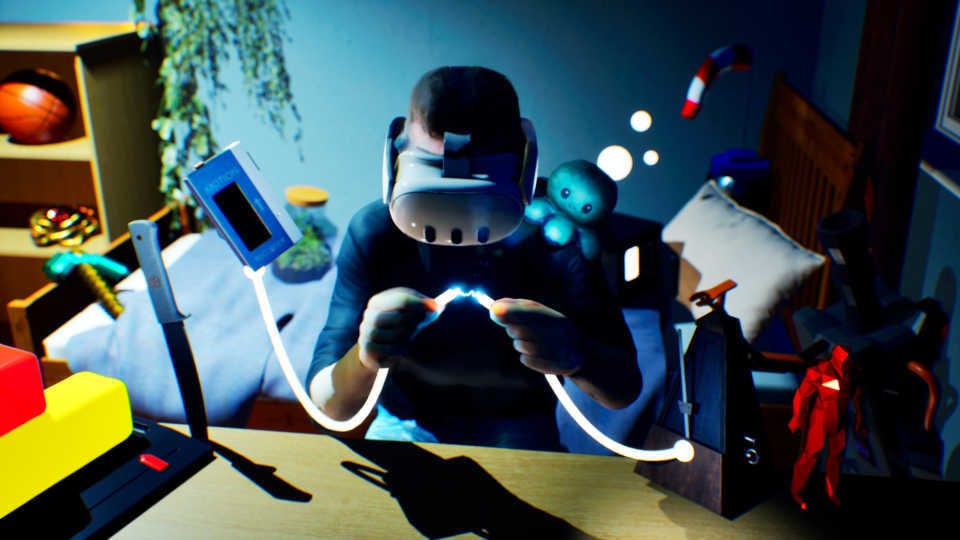
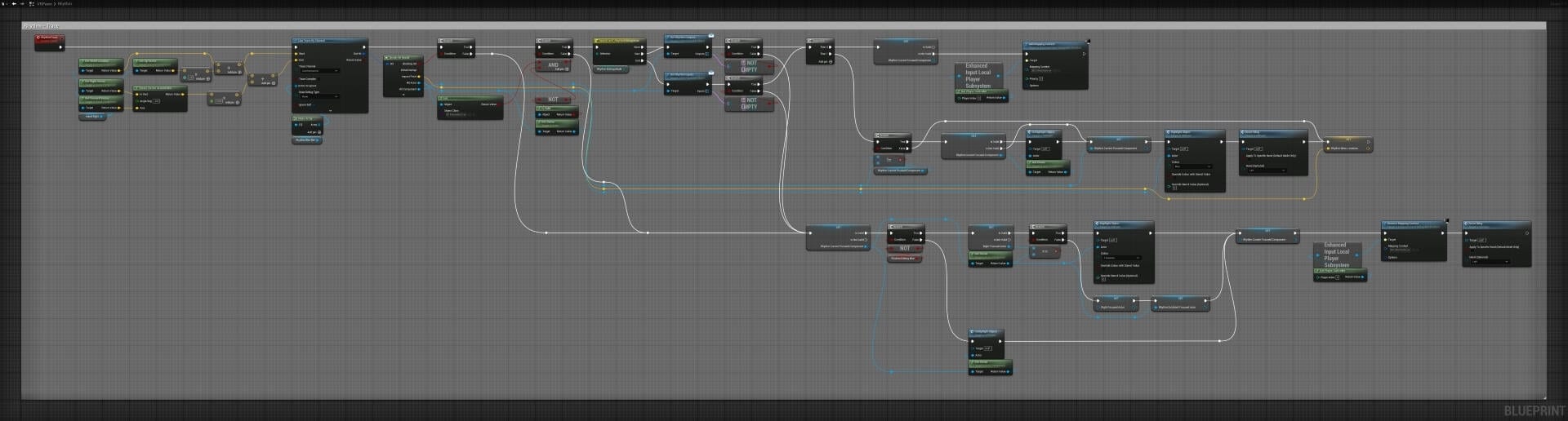
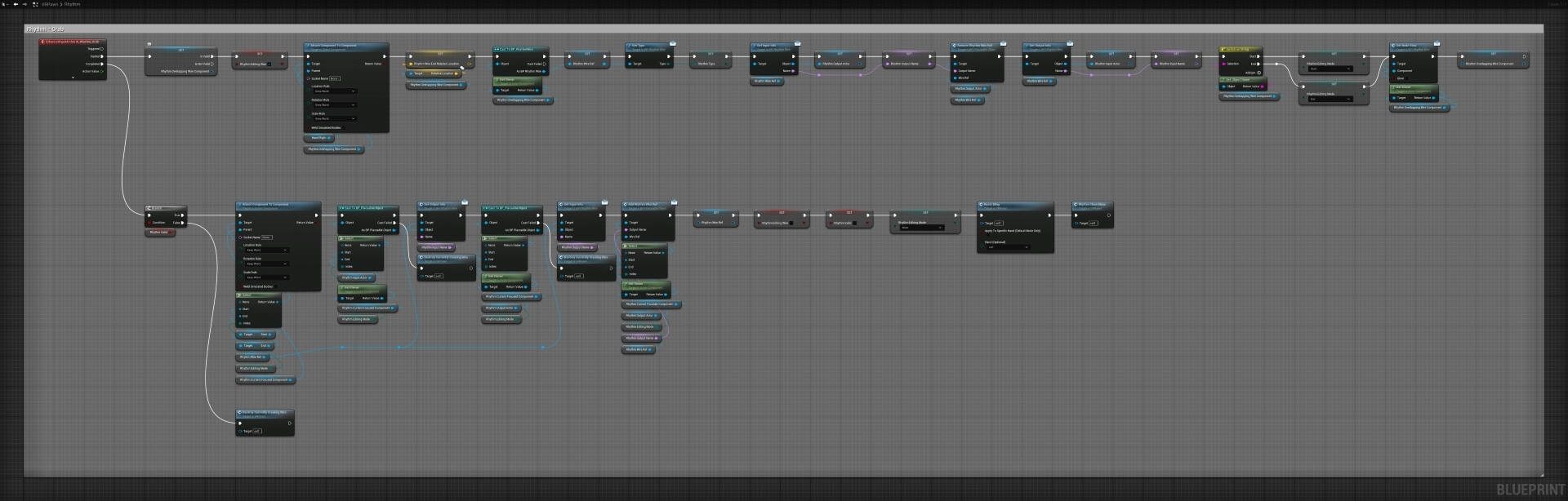
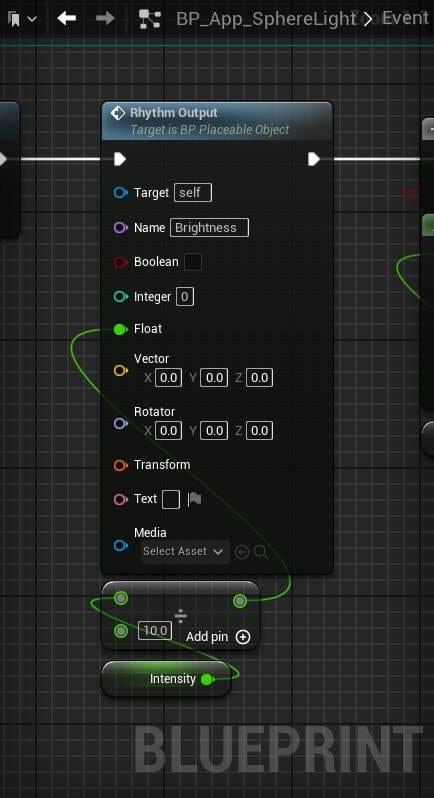
Rhythm answers this very concern by turning every object into an input with which you can program your apps, furniture, lighting and much more!
Simply enter the Edit Mode from the main menu and approach an object in your world to start creating personalised logic.


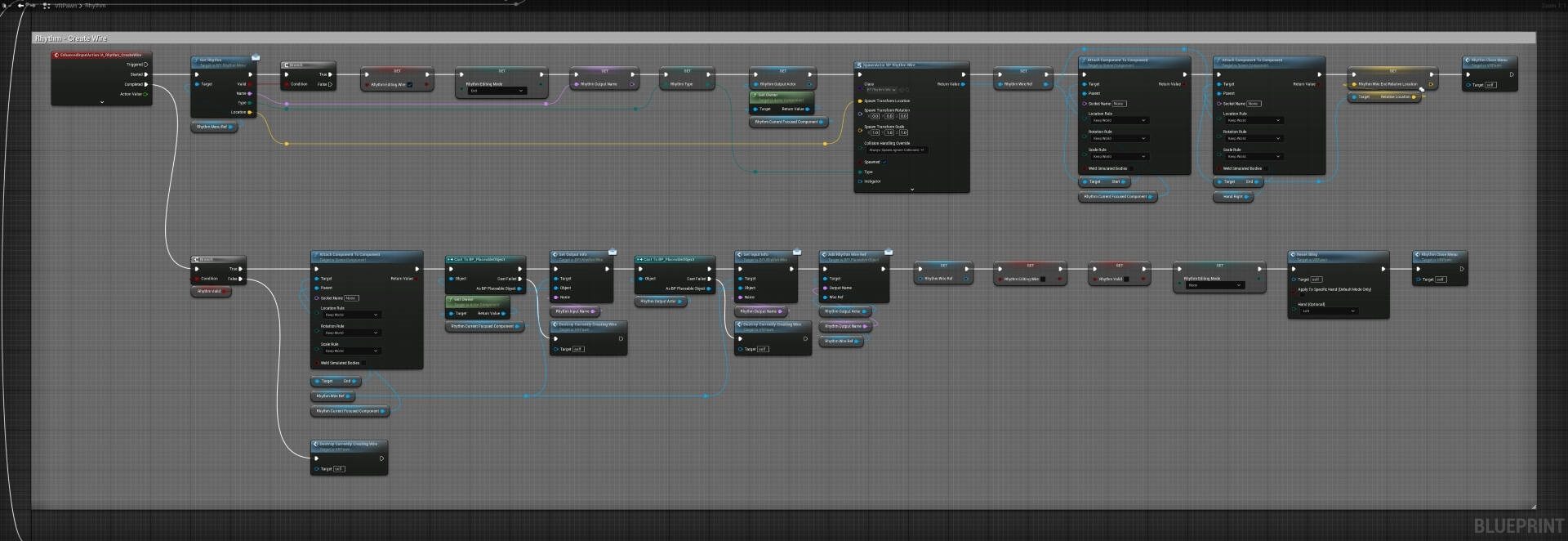
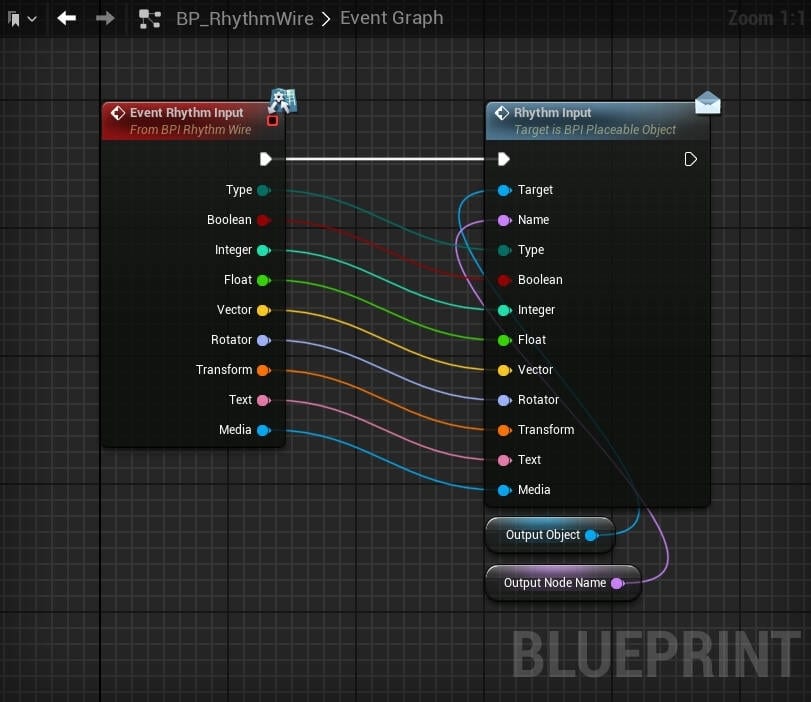
Drag from one of these nodes to begin creating a Rhythm. Connect it to an output node on another object or app to complete the logic.
Approach objects to see the available Rhythm input nodes
This speculative AR software lets you virtually situate and control smarthome components just like Rhythm but in real life!
Click to enlarge
'Coding' A Smart Cinema
Some Spacious objects actually need Rhythm in order to work. Take the cinema screen for example. It requires a media player to be plugged into it in order to play movies.
To do this, we simply enter Edit Mode and drag a wire from the media player to the cinema screen. The wire is pink because it's transferring some form of media. Different types of information have different colours, so numbers are orange (integers) or yellow (floats), text is blue, and events are white, etc.
The video to the right goes through this process, but then takes things to the next level by also adding switches, lights and buttons to show you just how connected your worlds can become!
Click to enlarge
Footballs Galore
Rhythm isn't just limited to interacting with the objects in your world, it can even create objects itself!
Using one of the special Rhythm components, the Spawner, we can place an object inside and have more be spawned when an input is received. This component was made in collaboration with Minecraft and used their iconic mob spawner as inspiration.
In the video to the left, hooking up a button acts as the input, allowing us to spawn a new football with every push!
Click to enlarge
Instant Replay
Another Rhythm component that changes the game is the Motion Recorder.
Simple drag the recorder around in your hand and have it play back the exact movement. We can set the playback mode to 'ping-pong' to have it reverse the playback as well.
Hooking this up to a Metronome component lets us activate playback on a timer. Speeding up or slowing down the playback interval is possible by changing the speed of the metronome just like in real life. The closer the pendulum weight is to the top the slower the interval, and the closer the weight to the bottom the faster it will tick.


Click to enlarge
A Sticky Situation
Although it might not fit in with the other Rhythm components, Glue has still got to be one of the most useful (and frustrating) mechanics in Spacious!
Use it right and it can allow you to create some wild structures that have a satisfying jiggle to them.
Forget you used it and it can drive you crazy why you can no longer pick something up or separate two objects!
Thankfully it's incredibly easy to use. Just enter Edit Mode and place it so that it's overlapping two or more objects. Exiting Edit Mode will glue those objects together until you either delete the glue or move it to another part of your world.
But wait,
there's more!
Switch to a device with a larger screen to get access to our Devlog and BTS content, as well as hear our thoughts on the future of Spacious...
There may be plenty of room in your Spacious world, but this screen is feeling a little small.


Back to top
Envisioned by

This project forms part of my Cinematic and Videogame Architecture MArch at Univeristy College London.
Student Number: 20033821
Candidiate Number: DQSL1